
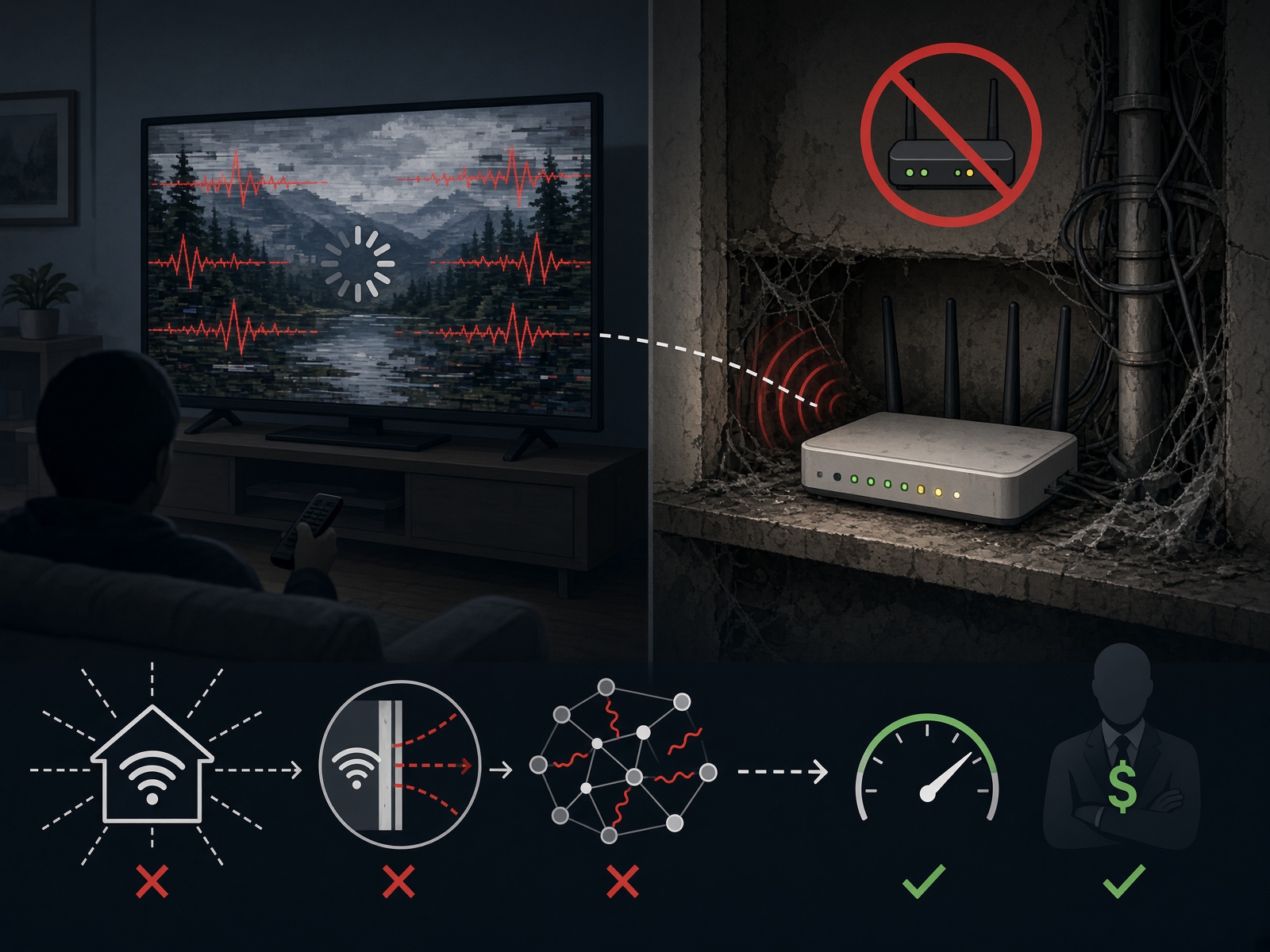
1. Stop Using the ISP’s Combo Box | The modem/router combo they rent you is the cheapest piece of Chinese crap they could source in bulk. They are not spending extra money so you can stream more. They are saving a dollar a unit times a few million customers. They also love these boxes because they can push “security” features that quietly break or slow down the stuff they don’t make money on. Get your own modem (or put their gateway in bridge mode) and buy a real router. A modern Wi-Fi 6 or better unit with actual processing power and decent traffic handling. Mesh if the house is big or full of obstacles. Range extenders are mostly trash — they add a hop and make things worse more often than they help. Hardwire the main TV or streaming box if you can. Ethernet does not care about your neighbor’s microwave or the concrete wall. Wi-Fi is a compromise. Act like it.
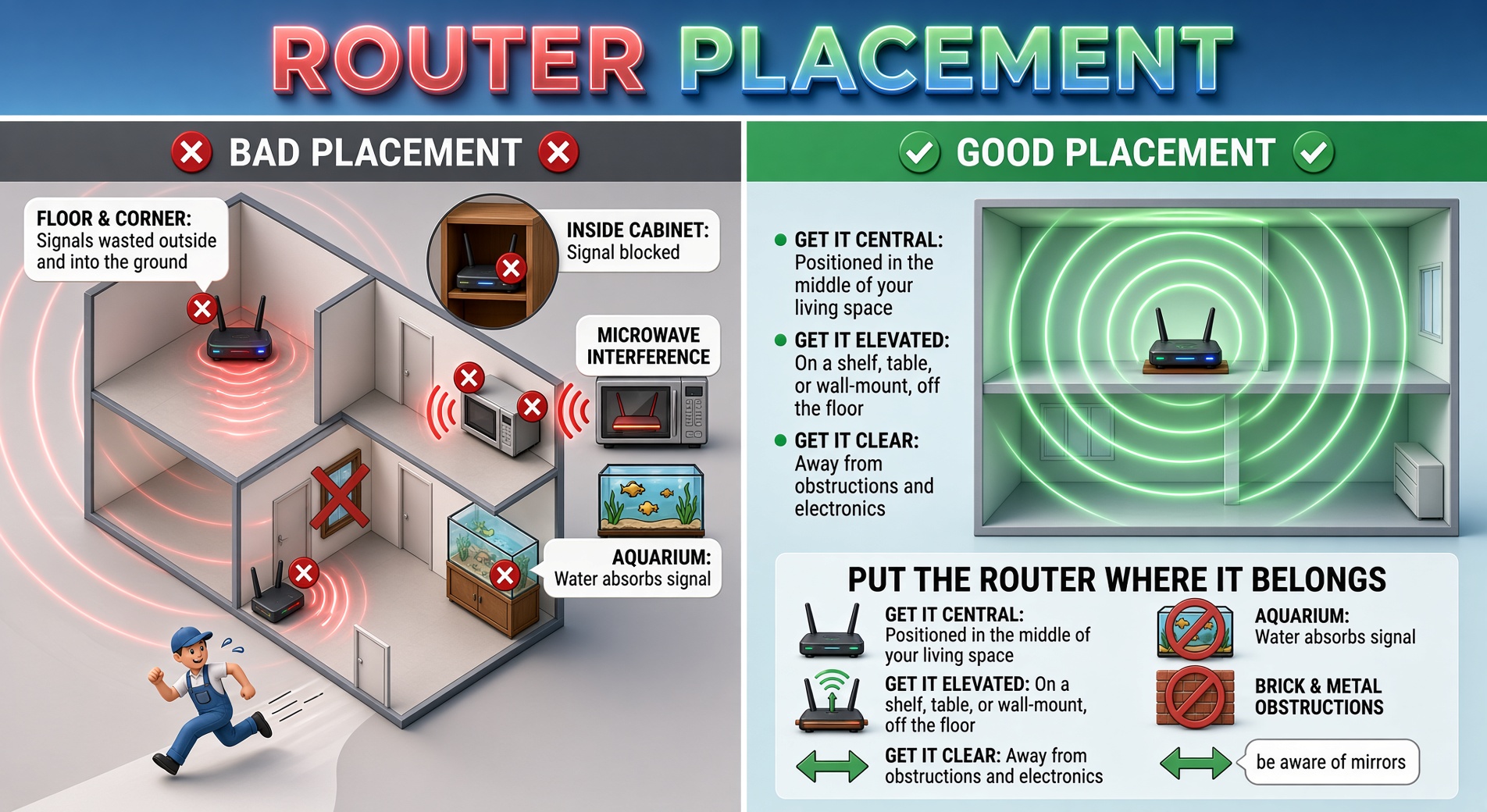
2. Put the Router Where It Belongs | The installer put it on the floor in the corner closest to the street because that was the least amount of cable and the fastest way out the door. That is not the best place for your network. Get it central. Get it elevated. Get it off the floor, out of the cabinet, away from the microwave, the aquarium, the brick wall, and the pile of metal. Routers radiate outward and somewhat downward. Putting it in a corner or on the floor wastes half the signal outside or into the ground. If the ISP won’t move it, move it yourself.
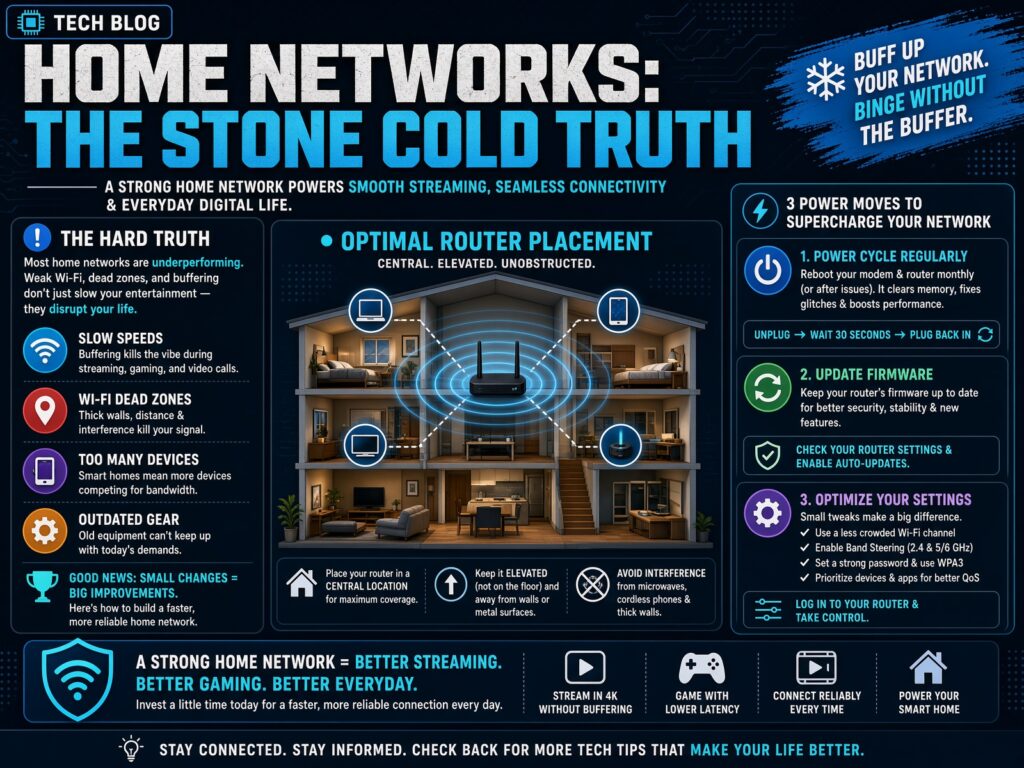
3. Power Cycle When It Helps — Don’t Pretend It’s Magic | A reboot clears temporary garbage: stuck connections, memory leaks, bad channel choices, stale state. If you notice a clear improvement after one, do it when problems show up. Some people schedule one at night because the temporary relief is real for them. It is not a daily requirement for healthy equipment, and it does not fix problems that live outside your house. If the only way your network stays usable is a full power cycle every single day, something is wrong — the router, the placement, the firmware, the heat, or the line. Rebooting is a workaround. Use it. Just don’t confuse it with a solution. When you do it, unplug everything, wait long enough for the capacitors to drain (a minute is usually plenty), then bring the modem up fully before the router, and the router fully before the devices.
4. Get Off the Defaults | Log into the router. Change the default password. Change the network name. Scan for other networks and get off the crowded default channels. Most of your neighbors are sitting on the same factory settings. Stop sharing their interference.
5. Update the Firmware | A lot of people never log into the router once. They are still on whatever shipped with it. Check for updates. Apply them. Some boxes do this automatically. Yours might not.
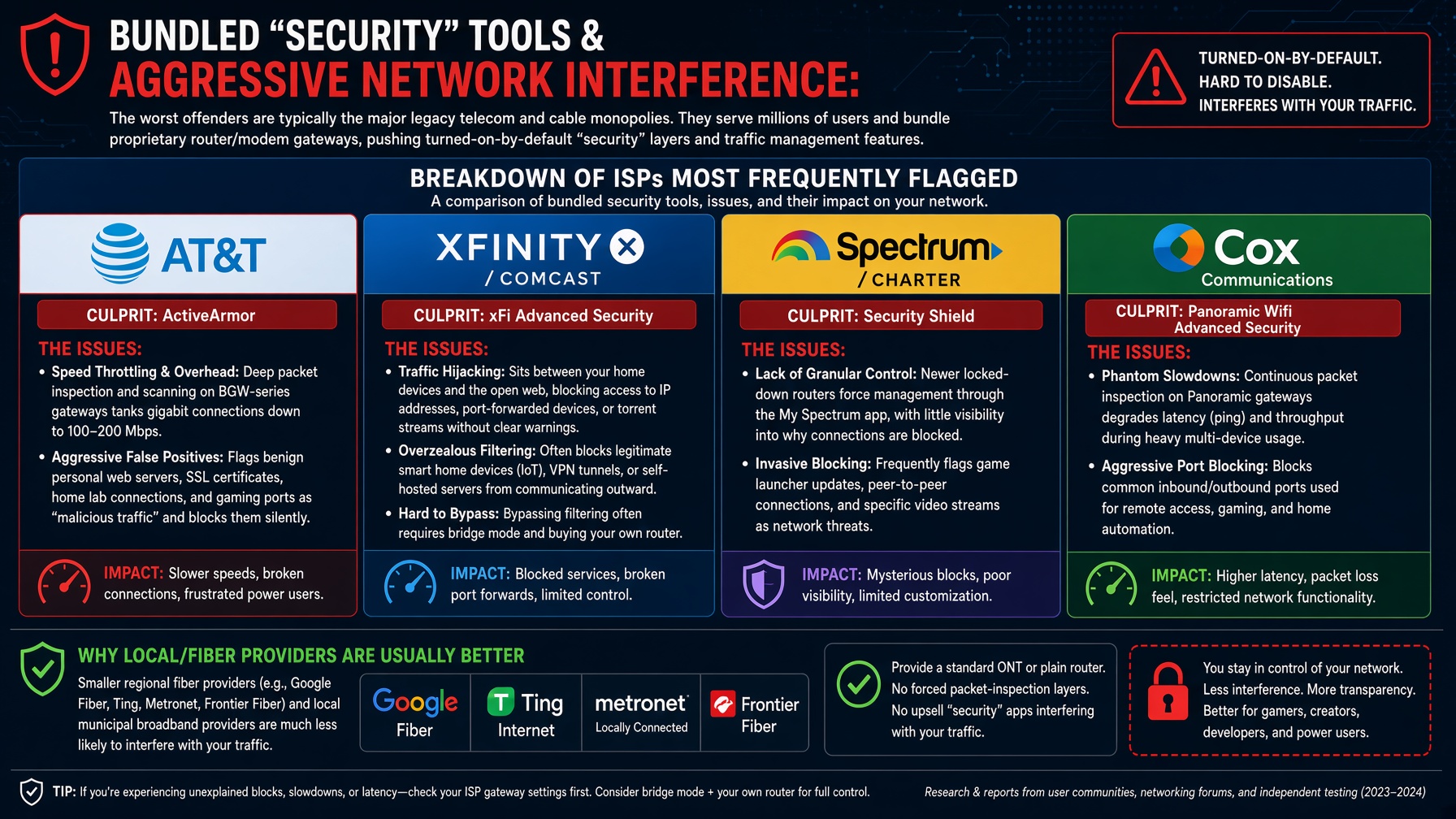
6. Their “Security” Features Are Not Your Friend | AT&T Active Armor and the various “Home Protect,” “CyberShield,” and scam-filter products are there to protect the ISP’s interests and to look like they’re doing something. Sometimes they block malware. Sometimes they block or throttle the streams you actually want. Log in and look. If something is clearly interfering with legitimate traffic, turn that part off. Don’t blindly disable every protection, but don’t assume the ISP’s feature is helping you either.
7. Use the Right Band | 2.4 GHz goes farther and punches through walls better. It is also crowded as hell. 5 GHz (and 6 GHz on newer gear) is cleaner and faster when the signal is decent. For anything that is streaming, prefer 5/6 GHz if the device has a strong connection. Use 2.4 for the light bulbs, sensors, and junk that doesn’t need speed. Test both. Don’t just leave everything on whatever the router picked by default.
8. Speed Test Numbers Are Mostly Bullshit | A good 1080p stream needs a steady handful of megabits. 4K needs more — ballpark 15–25 Mbps per stream with some headroom. Below a stable 25 Mbps you will have problems with 4K or multiple streams. Above that, the raw number on a speed test means less and less. What actually matters is consistent throughput and low packet loss. Noise on the line, bad fittings, water in the cable, a node that’s overloaded six blocks away, a bent connector, or a router that can’t handle the number of devices you have will wreck a stream even when the speed test says 400 Mbps. The ISP’s test often only looks as far as their own equipment. Your data is coming from much farther away. They will tell you the speed is fine while your packets are getting stepped on. Hardwire what you can. Fix the local network. Then worry about whether the plan itself is the limit. Do the things above and most of the buffering that “just happens” stops happening. The ISP is not going to do it for you. The streaming service is not going to do it for you. You’re the one sitting there staring at the spinner.